
Before you hand over a card number, you want to know exactly what you're paying for. This creator comparison checklist covers four essential categories - price, account authenticity, activity signals, and listing quality - with twelve concrete checks you can work through on a listing and the creator's own platform.
The checklist exists because creator subscriptions need their own evaluation framework. Most comparison guides online are built for software buyers reviewing project management tools, not someone deciding whether a creator's profile is active, genuine, and worth the cost. Where a listing doesn't show a detail, check the original account or leave the field unknown.
What This Checklist Covers
This is a quick-reference list of twelve items you can work through in a few minutes per profile. For more detail about directory records and claim status, see the guides below.
A note on information types: Source-reported details come from the creator or platform. A recorded price is a dated observation. A ModelFinds claim badge records control of the linked public account. For a badge on another platform, check what that platform says it verifies.
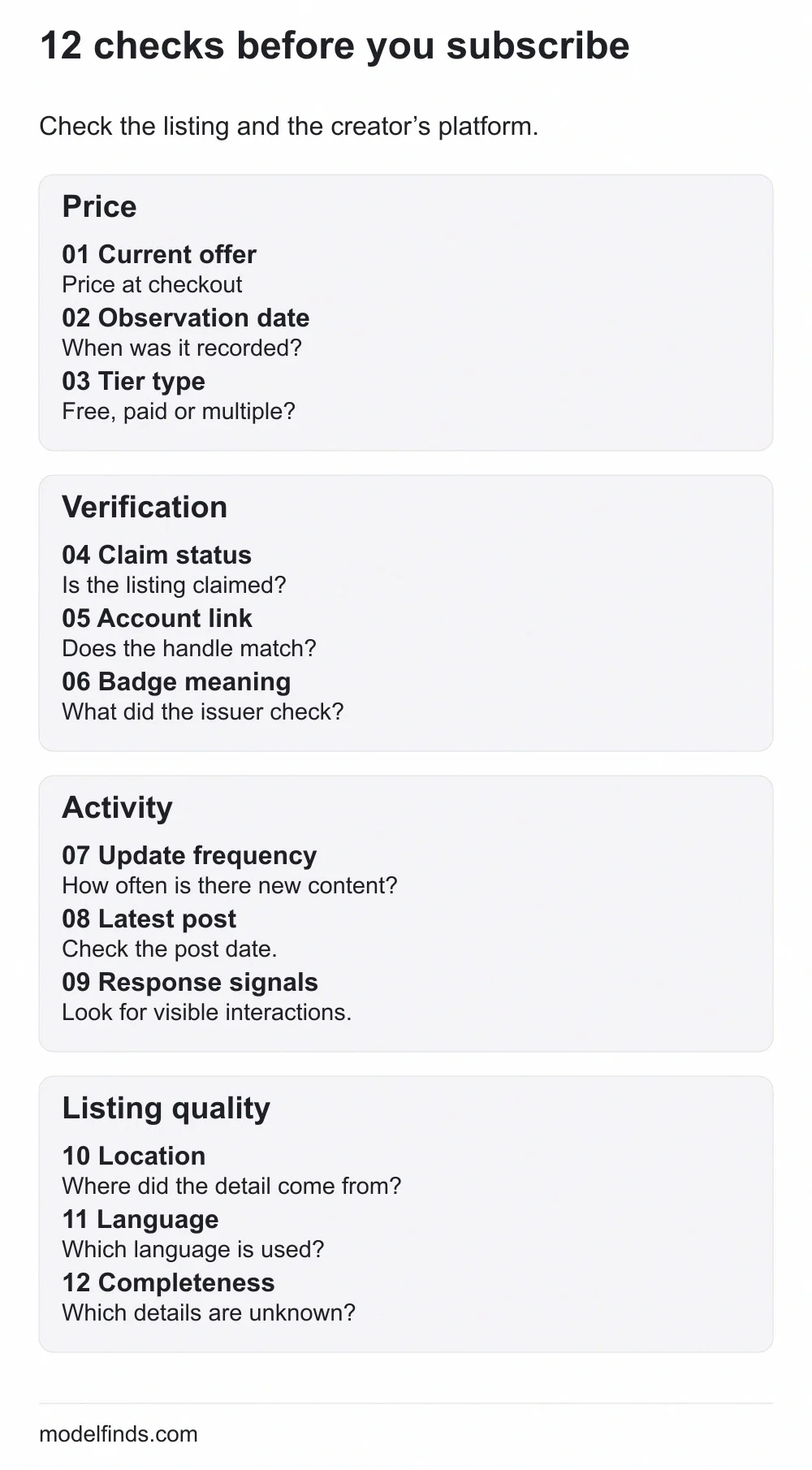
The 12-Point Creator Comparison Checklist
- Current price - what price does the original platform offer today?
- Price date - when was the listed price observed?
- Tier type - is this a free tier, paid tier, or multi-tier setup?
- Claim status - has the creator claimed this profile?
- Account link - does the linked handle match the creator’s public account?
- Badge meaning - who issued the badge, and what did they check?
- Update frequency - how often does new content or information post?
- Last post date - when did the creator last post?
- Response signals - are there indicators of creator engagement?
- Location - is a region or location listed, and is it verified?
- Language - what language does the creator primarily post in?
- Profile completeness - how many standard fields are filled in?
For example, you might note: "$12.99/month observed October 1. Paid single tier. ModelFinds listing claimed. Current checkout price: still to check." Recording each detail separately makes comparisons easier.
Checks 1-3: Price
Current Price
Check the price and billing period on the creator’s platform before subscribing. The directory may show an earlier observation. An introductory offer can also differ from the amount you will pay at renewal.
Price Date
A price date tells you when the figure was observed. A listing review date can refer to the listing as a whole. If a listing doesn't show a date next to its price, check the creator's own page directly before subscribing.
Tier Type
Tier type tells you whether a creator operates on a free tier, a paid tier, or a combination - sometimes with multiple paid levels offering different content or perks. Knowing this upfront prevents assumptions about whether a profile is free when most content sits behind a paid subscription.
Checks 4-6: Verification
Claim Status
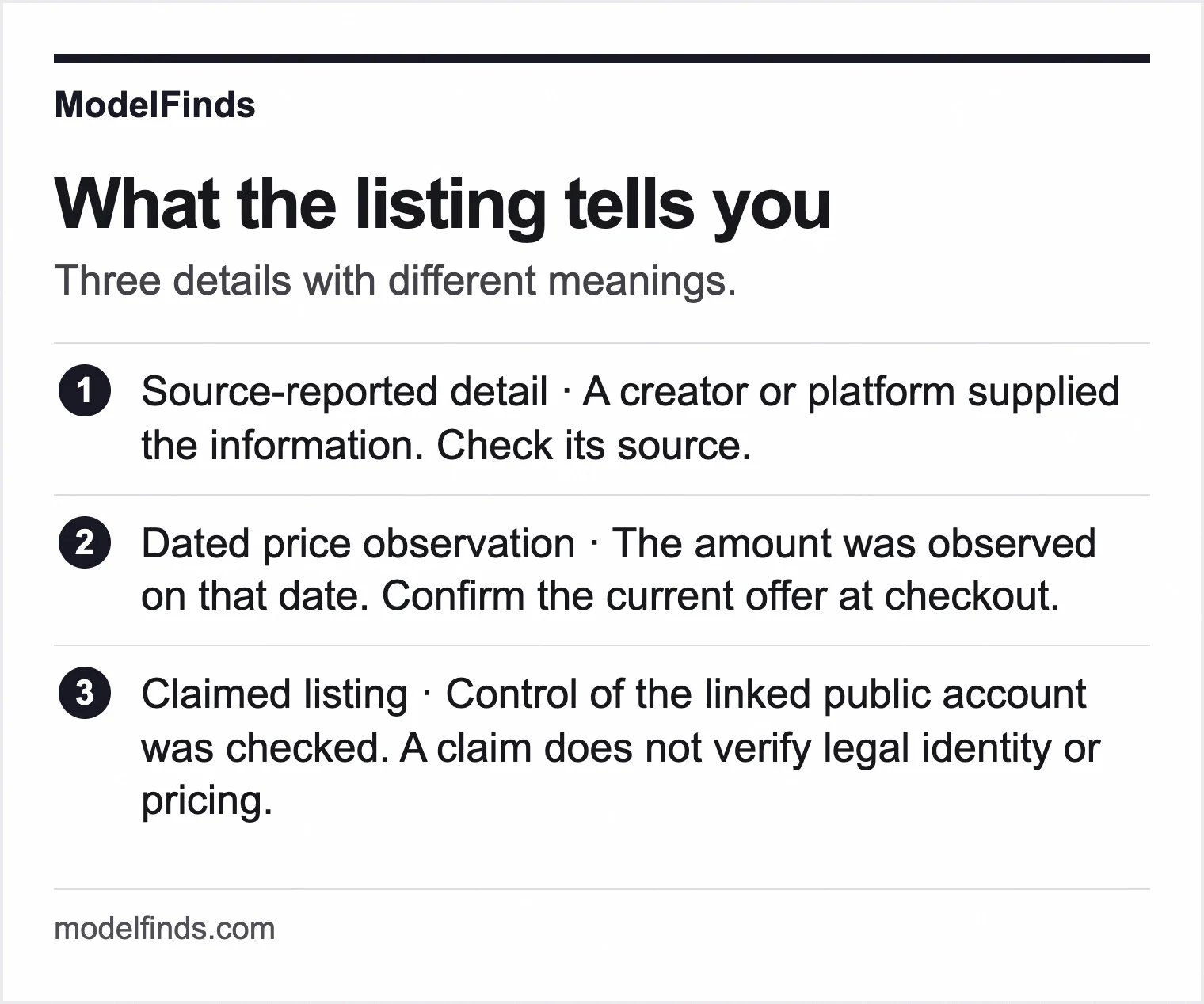
A claimed ModelFinds listing means control of the linked public account was checked. An unclaimed profile may still be accurate. Check its links and compare the details with the creator's own page.
Account Link
Open the linked account and compare the handle with the creator’s other public links. A ModelFinds claim confirms account control. It does not certify legal identity or establish that anyone submitted government ID.
Verified Badge
A verified badge is a visible marker confirming specific details have been checked, not a blanket guarantee that everything on the page is accurate. When you see one, check what it confirms. When you don't, that's not automatically a red flag, but it does mean you're relying more on source-reported information.
Checks 7-9: Activity
Update Frequency
Update frequency describes how often a creator posts new content or updates their profile. A weekly posting schedule signals an active, maintained presence. Months without updates may suggest the listing hasn't been refreshed, even if the creator is active elsewhere.
Last Post Date
The useful date here is the date on an actual post. If only a listing-update date is visible, recent posting activity is unknown.
Response Signals
Response signals are indicators that a creator engages with subscribers, such as reply activity, when a platform surfaces that information. Not every listing includes this data, but where it exists, it can help you choose between otherwise similar profiles.
Checks 10-12: Listing Quality
Location
Location indicates the region a creator is associated with, which can affect language, time zone expectations around posting, and content context. Treat location as source-reported unless a listing explicitly marks it as verified.
Language
Language shows what language the creator primarily posts and communicates in. It's simple but easy to overlook - skipping it is a common reason subscribers end up disappointed when content isn't in the language they expected.
Profile Completeness
Profile completeness measures how many standard listing fields - bio, pricing, tier details, links - are actually filled in versus left blank. A sparse profile isn't necessarily suspect, but a complete one gives you more to verify, which generally leads to more informed decisions.
How to Use This Checklist
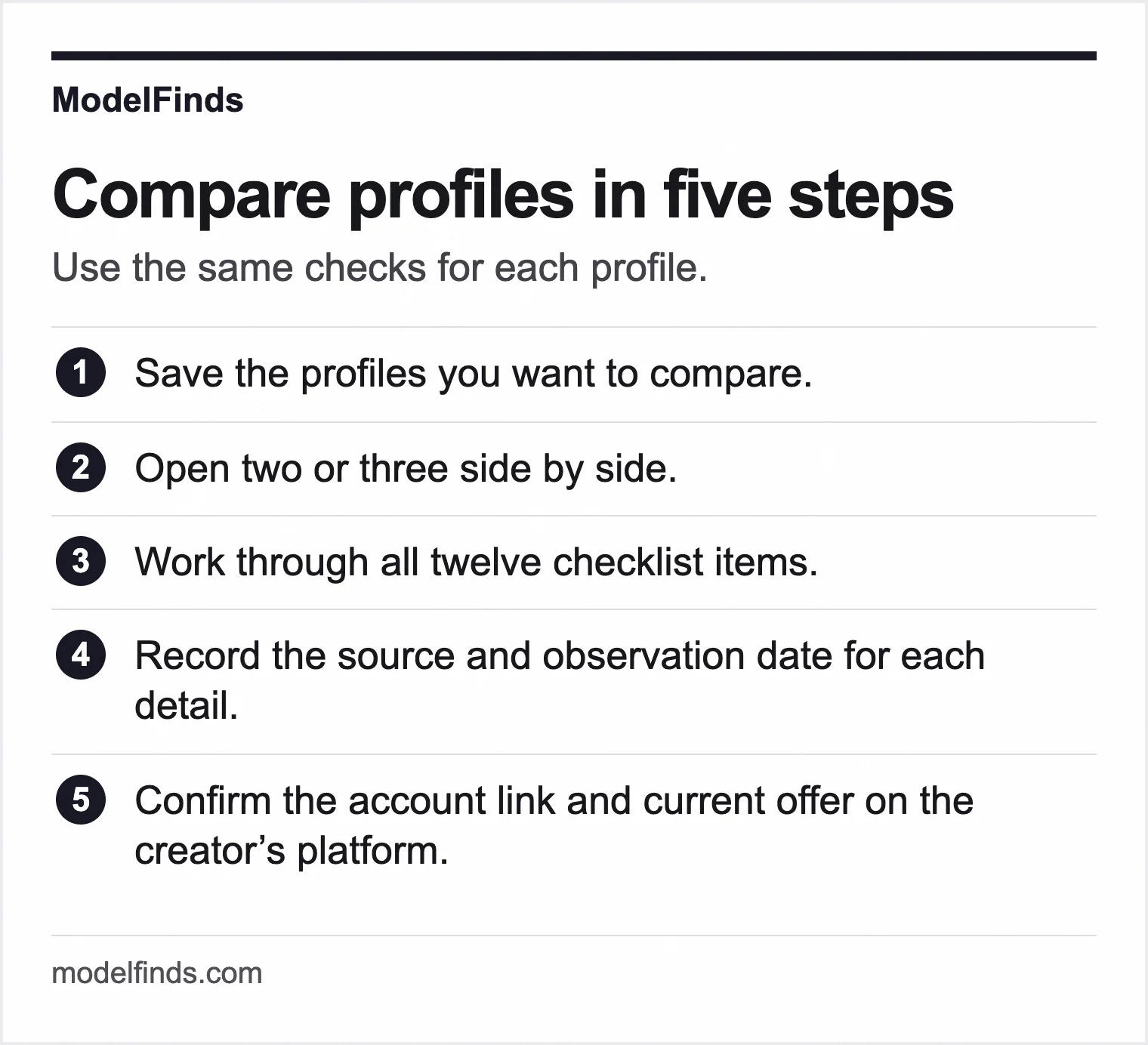
- Save the profiles you're considering so they're all in one place.
- Open two or three side by side rather than switching between tabs.
- Work through all twelve checks on each profile in the same order for consistent comparisons.
- Note which details you checked on the original platform, which came from the directory, and the date of each observation.
- Recheck an uncertain price or account link before choosing between the remaining profiles.
This mirrors how many people already review recurring subscriptions in other areas, checking for overlaps and stale commitments before renewing. The same approach works here.
Deeper Dives on Each Check
- For what a directory record can tell you, see OnlyFans Creator Index Explained.
- For the distinction between a free subscription and paid extras, see Free OnlyFans Subscriptions Explained.
- For the actual claim process, see Submit and Claim Your Creator Profile.
- For other discovery tools, see OnlyFans Search Engines Compared.
FAQ
What should a creator comparison checklist include before you subscribe? It should cover four categories: price checks (current offer, observation date, tier type), account checks (claim status, account link, badge meaning), activity checks (update frequency, last post date, response signals), and listing quality checks (location, language, profile completeness).
What does a price observation date mean? It tells you when the displayed amount was observed. Check the current offer on the original platform before paying.
What is claim status and why does it matter? Claim status tells you whether control of the linked public account has been established. You can still check an unclaimed listing against the original account.
What's the difference between claiming a listing and checking an offer? Claiming a listing establishes account control. Checking an offer means visiting the creator’s platform to read its price and terms. These answer different questions.
What does a verified badge actually confirm? On ModelFinds, the claim badge indicates control of the linked account. On another platform, read that platform’s badge explanation.
How often should a creator's price information update? There's no fixed rule, but a price that hasn't been checked in several months should be treated as unconfirmed. Check the observation date and visit the creator’s platform for the current offer.
What's the difference between tier type and free vs. paid tier? Tier type describes a creator's entire subscription structure - single-tier paid, multi-tier paid, or free with optional add-ons. Free vs. paid tier simply indicates which side of that structure a specific tier is on.
Can I print or download this checklist? Yes. Copy the twelve-point list into a notes app, spreadsheet, or document, and use it each time you compare creator profiles.
What should I do if a creator fails one of the twelve checks? It depends on which check. A missing verified badge isn't disqualifying on its own. A stale price date or no claim status means you should verify details independently before subscribing.
When was this checklist last updated? This checklist was written in October 2026. Directory fields and subscription offers can change.