
You pull up a creator's profile ready to subscribe, and the price staring back at you isn't the one you remembered from last week. Did you misread it? Did something change? Neither, usually. Subscription prices on platforms like OnlyFans move for straightforward, traceable reasons, and almost every one of them is harmless once you know what you're looking at.
Five Common Reasons Why Creator Prices Change
A creator's subscription price usually shifts for one of five reasons: the creator raised their base rate, a promotional discount expired, a new limited-time discount started, a directory listing hasn't been rechecked since the price moved, or you're comparing a monthly price to a bundle or multi-month option. None of these mean you're being misled. They just mean pricing on subscription platforms is dynamic. The fix is always the same: confirm the current price at the source before you commit.
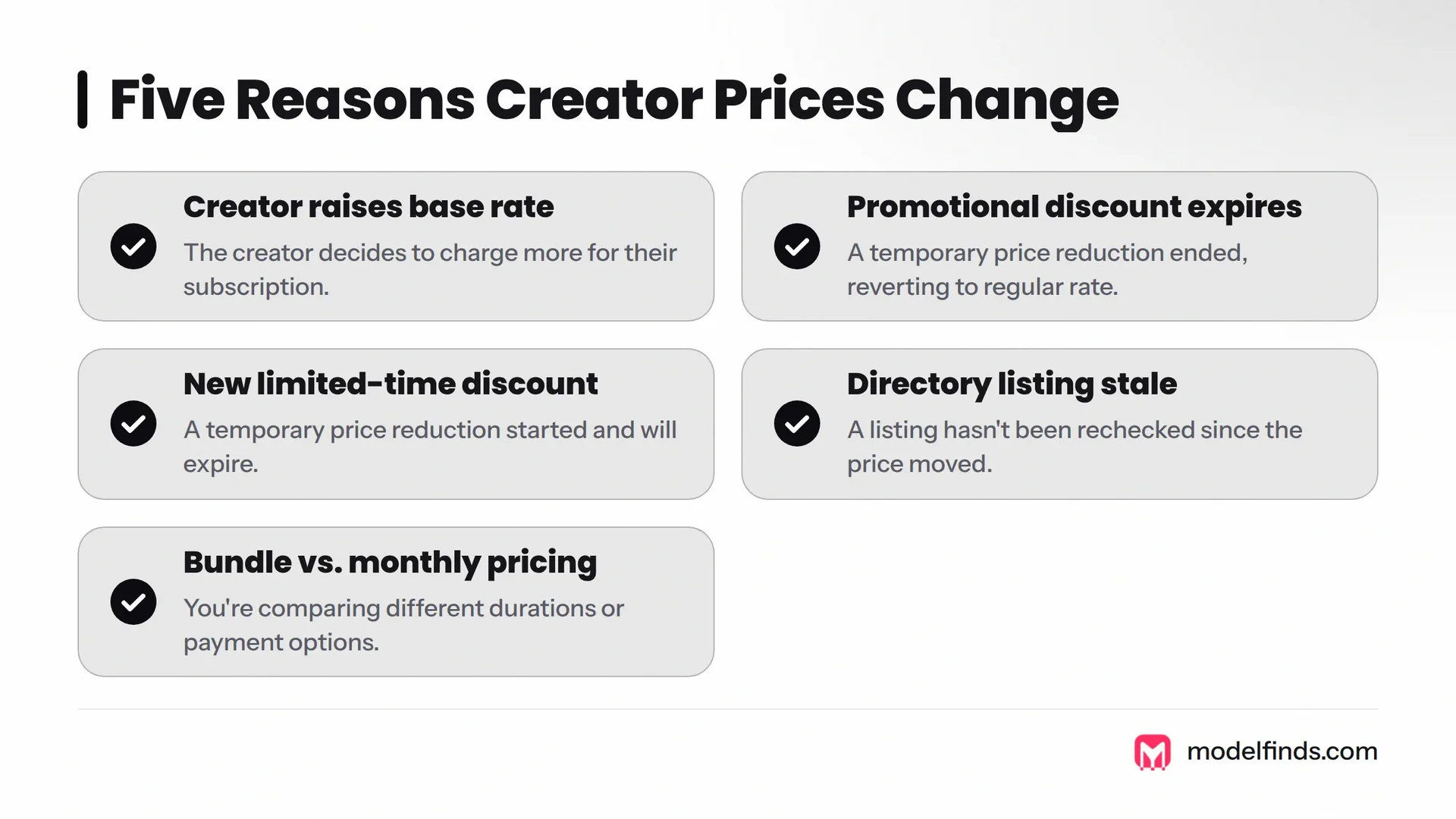
Below, each cause gets its own breakdown: what it looks like when it happens, and what to do about it.
Cause 1: The Creator Raises Their Subscription Rate
Creators set and adjust their subscription rate whenever they choose. A rate increase is the simplest explanation for a price that looks higher than you remember, and it's entirely the creator's decision.
What this looks like to a subscriber
You saw a price weeks or months ago. You return to subscribe, and the checkout number is higher. There's no error message, no warning, nothing broken. The creator simply decided their content, time, or audience size justified charging more, which is routine for any subscription business.
Existing vs. new subscribers: the grandfathered price
This is where confusion often starts. If you were already subscribed before the rate went up, many creators let existing subscribers keep paying their old rate for as long as they stay subscribed without a lapse. That practice is called a grandfathered price - a locked-in rate tied to your existing subscription, separate from the current public rate shown to new visitors. If you cancel and later resubscribe, you typically lose that protection and pay whatever the current rate is. New subscribers almost always pay the current listed rate, with no legacy pricing attached.
Cause 2: A Promotional Discount Expires
A promotional discount is a temporary reduction off a creator's regular price, often used to attract new subscribers or reward loyalty during a specific window. When that window closes, the price reverts, and to someone who only saw the discounted number, it can feel exactly like a price increase even though the underlying rate never changed.
How discount expiration shows up as a price increase
Picture a creator whose regular subscription rate is $15 a month. They run a 30-day promotional rate of $9 a month to celebrate a milestone. A subscriber who joined during that window checks back five weeks later and sees $15. Nothing went up. The discount simply expired and the page returned to its normal rate. This is one of the most common sources of "why did the price go up" confusion, and it's also one of the easiest to clear up once you know discount expiration is a real, routine pattern.
Cause 3: The Creator Runs a New Limited-Time Discount
The flip side is just as common: a price that looks lower than before isn't necessarily a permanent drop. Creators frequently launch short-term promotional pricing tied to a holiday, a follower milestone, a content launch, or simply a slow week, and that lower number is often scheduled to expire on its own.
Why a lower price isn't always permanent
If you subscribe during a discount window, read the terms shown at checkout carefully. Some discounts apply only to your first billing cycle and the price reverts to the regular rate on renewal, while others hold for as long as you stay subscribed without lapsing. Treat every discounted price as time-limited unless the checkout screen explicitly states otherwise. That single habit prevents almost all renewal-price surprises.
Cause 4: A Directory Listing Hasn't Been Rechecked Yet
Directory sites, including ModelFinds, display prices as of the date they were recorded, not necessarily at the exact moment you're looking. A creator can change their rate on the platform at any time, and a listing elsewhere only reflects that change once a newer price is recorded.
What a last-checked date tells you
A last-checked date (sometimes shown as "last verified" or similar) tells you the most recent date a listed price was recorded or confirmed. ModelFinds' methodology says prices are recorded with their observation dates, which gives you a concrete way to judge how fresh a number is. A price recorded yesterday deserves more confidence than one recorded two months ago, and either way, the checkout screen on the actual subscription platform is always the final word.
What a price date means on a ModelFinds listing: It's the date a listed price was observed, not a guarantee that the price hasn't changed since. Always treat it as a helpful timestamp, not a live price feed.
If you want the deeper mechanics of how prices are recorded, ModelFinds' guide to how listings and recommendations work covers it in more detail, including what a "claimed profile" badge does and doesn't confirm.
Cause 5: Bundle or Duration Options Change the Displayed Price
Plenty of "why is this price different" moments have nothing to do with a change at all. They're a comparison mismatch: one price you saw was a monthly rate, and the other was a bundle or multi-month rate.
Monthly vs. multi-month pricing
Many creators offer the same subscription at several durations, each priced differently:
| Duration | Typical framing | What it means |
|---|---|---|
| 1 month | Standard monthly rate | The baseline price, billed every 30 days |
| 3 months | Bundle/discounted rate | A lower effective monthly cost in exchange for paying upfront for three months |
| 6 months or 12 months | Longer bundle rate | Usually the lowest effective monthly cost, with a larger upfront charge |
A bundle price will almost always look smaller or larger than the plain monthly number depending on whether it's shown as a total or as an effective per-month figure. A mismatch here is a math difference, not a mystery price change. Always check which duration is being quoted before assuming something changed.
Spot a Price Change Before You Subscribe
Here's a quick side-by-side to separate what you're seeing from what it actually means:
| Cause | What you'll notice | What to check |
|---|---|---|
| Rate increase | Price is higher than you remember, with no discount language shown | Whether you're an existing subscriber (may be grandfathered) or a new one |
| Promo expiry | Price reverted to a higher "regular" number | Whether the lower price was ever labeled as time-limited |
| New discount | Price is lower than expected, possibly with a countdown or banner | Whether the discount applies to one cycle or the whole subscription |
| Stale listing | Directory price doesn't match checkout | The date shown with the listed price versus today's date |
| Bundle/duration pricing | Two prices for the "same" subscription look unrelated | Which duration (1, 3, 6, 12 months) each price refers to |
Quick price check before subscribing
- Look for a last-checked or last-verified date on the listing, and treat older dates with more caution.
- Confirm whether the price shown is a monthly rate or a bundle/multi-month total.
- Check for any promo badge, countdown, or "limited time" language near the price.
- Open the actual subscription page and read the checkout screen before entering payment details, since that number is always the real one.
- If you've subscribed before, check whether you still hold a grandfathered rate rather than assuming the current public price applies to you.
For a more thorough pre-subscribe routine, ModelFinds' Creator Comparison Checklist walks through twelve checks worth running before you commit to any new subscription, pricing included.
What to Do When You See a Price Change
When a price doesn't match what you expected, work through this in order:
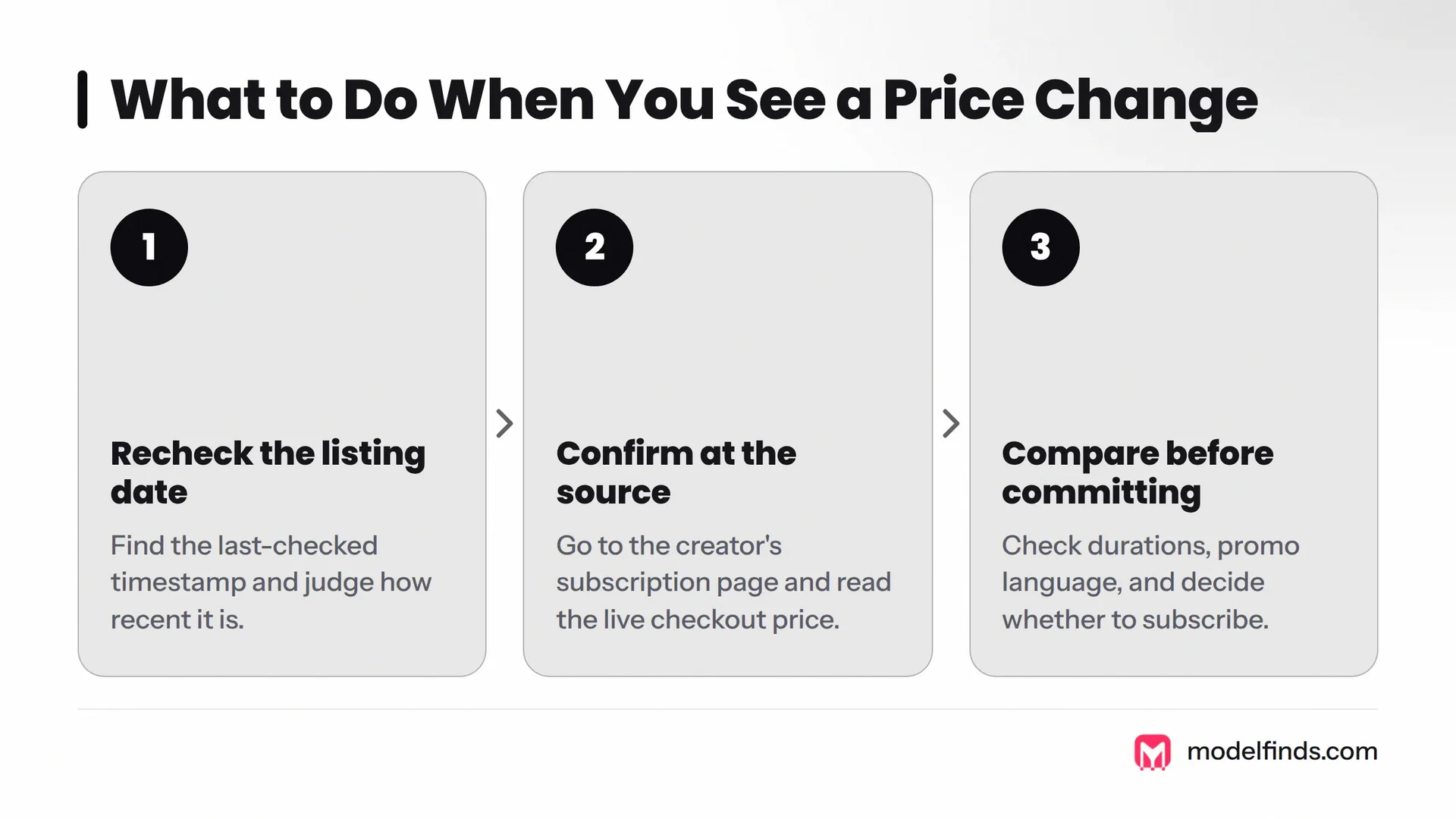
- Recheck the listing date. Find the last-checked or last-verified timestamp, if one is shown, and judge how recent it is.
- Confirm at the source. Go to the creator's actual subscription page and read the live price at checkout. This is the only number that's ever truly current.
- Compare before committing. If the price still looks off from what you expected, compare durations (monthly vs. bundle), check for promo language, and decide from there.
This three-step habit resolves nearly every pricing discrepancy you'll run into, whether you're browsing a directory, a bookmark, or a screenshot.
Here's a short explainer that walks through how creators think about setting and adjusting their prices:
https://www.youtube.com/watch?v=a5QY6LEdBzg
Frequently Asked Questions
Can a creator change their price at any time? Yes. Creators control their own subscription rate on the platform and can raise it, lower it, or run a temporary promotion whenever they choose, with no fixed schedule or advance notice required.
How do I know a listed price is current? Check the listing's last-checked or last-verified date if one is shown, then confirm the live price on the creator's actual subscription page before entering payment information. The checkout screen is always the most current source.
Why did a creator's subscription price go up? Most often because the creator raised their base rate, or because a promotional discount you saw earlier expired and the page reverted to its regular price. Both are part of normal subscription pricing behavior.
Why is the price I see now different from what I saw before? It could be any of five things: a rate increase, a discount expiring, a new discount starting, a directory listing that hasn't been rechecked since the price moved, or a mix-up between a monthly price and a bundle price. Checking the source price always settles it.
What does "last-checked date" mean on a listing? It's the date a listed price was most recently recorded or confirmed. It tells you how fresh the number is, not whether it's still accurate at this exact moment.
What is a grandfathered price? A grandfathered price is a rate an existing subscriber keeps even after the creator raises their public rate for new subscribers, as long as the subscription stays active without lapsing.
Will my subscription price change when I renew? Usually not, if you've held a continuous subscription at a grandfathered rate. It can change if a promotional rate was only valid for your first billing cycle, so check the terms shown when you first subscribed.
Why do some creators offer a lower price for a limited time? To attract new subscribers quickly, celebrate a milestone, or boost engagement during a slow period. These promotional windows are usually time-boxed on purpose.
What happens when a promotional discount expires? The price simply reverts to the creator's regular, non-discounted rate. Nothing is broken or wrong; the temporary window has closed.
Why does a bundle or multi-month option show a different price than monthly? Because it's pricing a different length of access, often at a lower effective monthly cost in exchange for paying upfront. The two numbers describe different products, not the same one at two prices.
How often do creator subscription prices change? There's no fixed schedule. It depends entirely on each creator's own decisions about rate changes and promotions, which is exactly why checking the current price at the source matters more than relying on memory.
Is the price shown on a directory listing guaranteed to be accurate? No. A directory price reflects what was recorded as of its price date. It's a strong starting signal, but the creator's own subscription page is the only guaranteed-current source.
What should I do if the price at checkout doesn't match what I saw earlier? Trust the checkout price. It's generated live from the platform, while anything you saw earlier - a directory listing, a screenshot, or a memory - reflects a moment in time that may have since changed.
Do existing subscribers pay the same price as new subscribers? Not always. Existing subscribers often keep a grandfathered rate even after the public price rises, while new subscribers pay whatever the current listed rate is.
Why does the same creator show different prices in different places? Usually because one source has a more recent price date than another, or because one source is quoting a monthly rate and another a bundle rate.
What's the difference between a promotional price and a regular price? A promotional price is a temporary, discounted rate tied to a specific offer or window. A regular price is the creator's standard, ongoing rate once no promotion is active.
How can I confirm a subscription price before committing? Visit the creator's subscription page directly and read the price shown at checkout before entering any payment details. That is always the authoritative number.
Why would a creator lower their price instead of raising it? To attract new subscribers, run a seasonal or milestone promotion, or re-energize interest during a quieter stretch. A lower price is a deliberate, often temporary, marketing choice.
What should I check before subscribing to avoid price surprises? Check the price date on any listing, confirm whether the price is monthly or bundled, look for promo language, and read the checkout screen before paying.
Does a listing update automatically when a creator changes their price? Not instantly. ModelFinds says a newer validated snapshot of an approved profile can refresh recorded prices automatically, but a listing can still lag behind the creator's live rate, which is why the price date matters.
What's the difference between a price increase and a promo expiring? A price increase means the creator's underlying regular rate went up. A promo expiring means the regular rate never changed, but a temporary discount off that rate ended, making the "new" price look higher by comparison.
Keep Your Price Expectations Current
Subscription pricing on creator platforms isn't fixed, and that's by design. Rates rise, promotions start and stop, bundles offer a different shape of the same subscription, and listings catch up to all of it on their own schedule. None of that is a red flag. It's just how a dynamic, creator-controlled market behaves.
The habit that protects you is simple: treat any price you see away from the actual checkout screen as a strong, dated signal rather than a locked-in guarantee. Check the last-checked date, confirm the duration you're looking at, and read the live price before you pay. If you want to browse creators, ModelFinds' creator index and profiles by category are good places to start. If you ever cancel in response to a price change, the guide on cancelling a creator subscription walks through the steps clearly.
ModelFinds operates independently of OnlyFans and any creator platform it indexes. It is a discovery directory, not the billing system itself, which is exactly why the source checkout page always has the final say on price.